Johan Plus Kei · Audio Anatomy Labs
日本語Free · No sign-up · Runs in your browser
Learn mixing tools
by taking them apart.
Each lab runs a real audio processor in your browser and opens it up: move a parameter, hear the change, and watch the gain, curves, harmonics and meters move with it.
Plug-ins
VST3 / AU for your DAW — free to download
macOS 11+ (Apple Silicon / Intel) is tested in Ableton Live. Windows 10 / 11 builds are made automatically but are untested on real hardware. Each download page has install steps in English and Japanese.
VST3 / AU plug-in Free to download
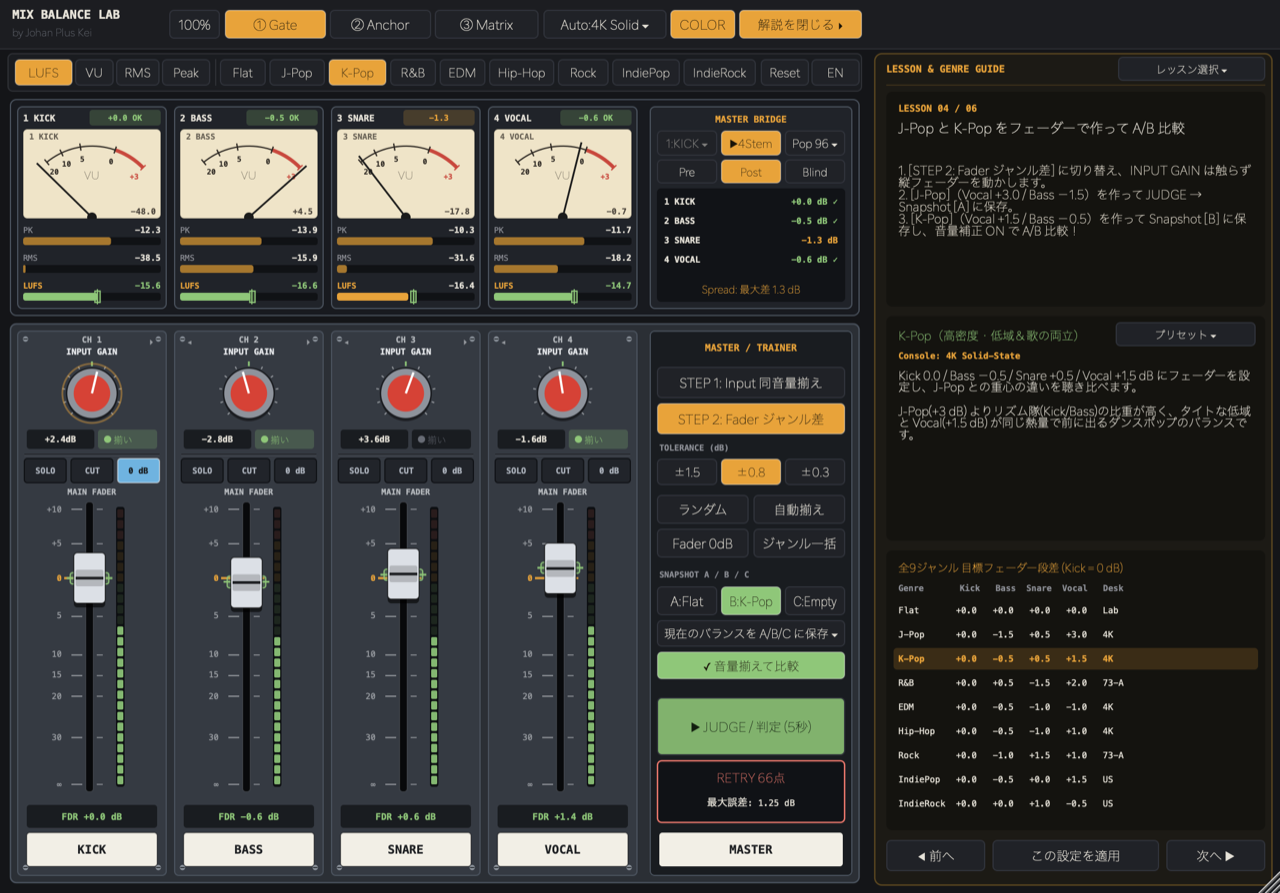
Mix Balance Lab — plug-in
Practice the core mixing workflow on Kick, Bass, Snare and Vocal / Lead: first level-match all four tracks via Input Gain using VU, Peak, RMS or LUFS-M, then shape genre balances on long-throw Main Faders and compare with a 5-second judge.
- Three switchable meter bridges (Target Gate, Anchor ΔdB, Crest Matrix) plus a collapsible right-side lesson & preset guide
- Four console looks (Lab, 4K Solid-State, 73 Class-A, US Discrete) with optional ADAA Console Color and 9 genre targets (Flat, J-Pop, K-Pop, R&B, EDM, Hip-Hop, Rock, Indie Pop, Indie Rock)
- Auto-syncs across 4 DAW tracks or runs standalone with 5 built-in 4-stem musical loops, Snapshot A/B/C loudness-matched comparison and blind ear training
- macOS 11+ (Apple Silicon / Intel); Windows 10 / 11 builds via CI but is untested on real hardware
VST3 / AU plug-in Free to download
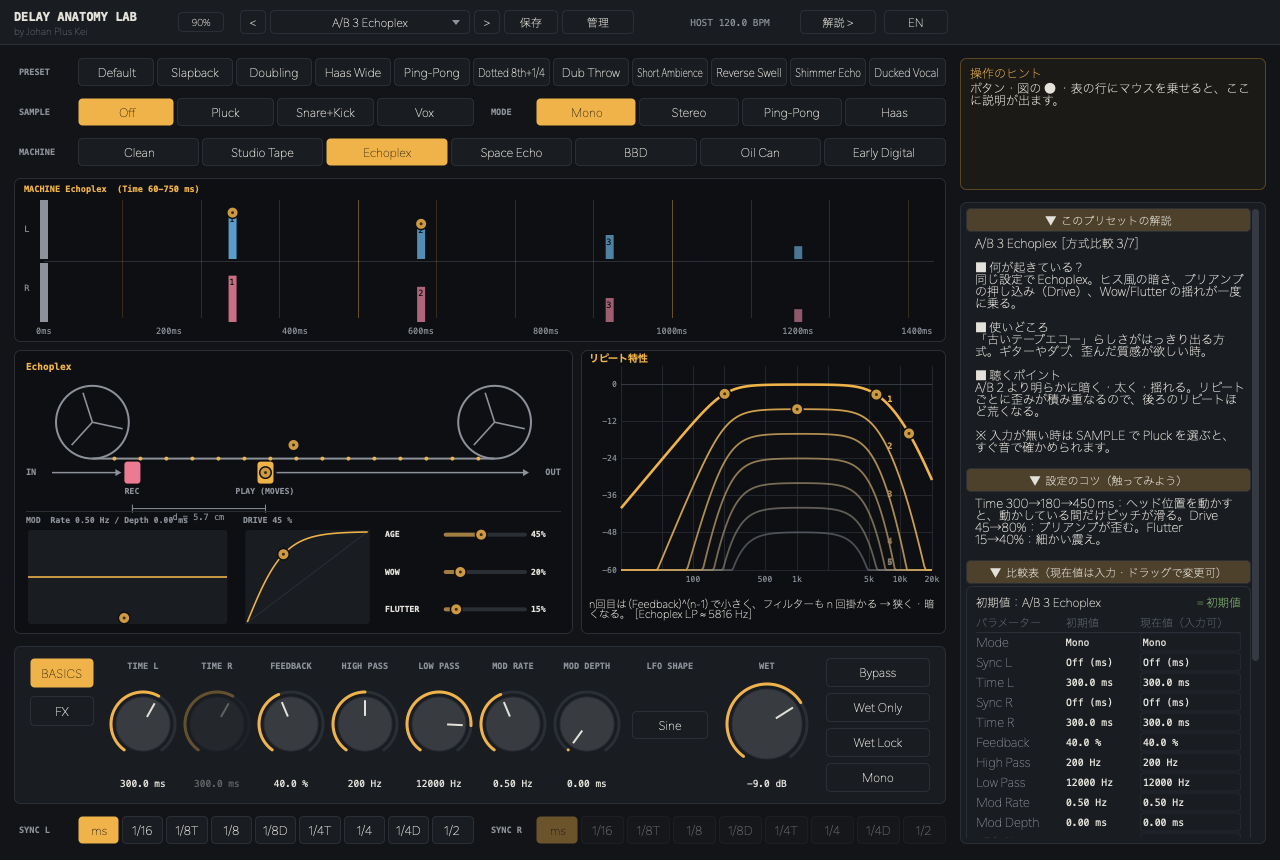
Delay Anatomy Lab — plug-in
Learn how delays differ and when to use each one. Seven machines (clean, tape, Echoplex, Space Echo, BBD, Oil Can and early digital) are shown through three linked figures: the echo timeline, the signal flow and the repeat response. Drag the dots in the figures to change the parameters directly.
- 52 presets by use, each with notes on what happens, where to use it and what to listen for: A/B by machine, scenes, chorus and flanger
- Tempo sync, pitch, reverse, ducking and an LFO with five shapes
- A table comparing preset and current values; point at anything for an explanation; Japanese and English
- macOS 11+ (Apple Silicon / Intel); Windows 10 / 11 builds but is untested on real hardware
VST3 / AU plug-in Free to download
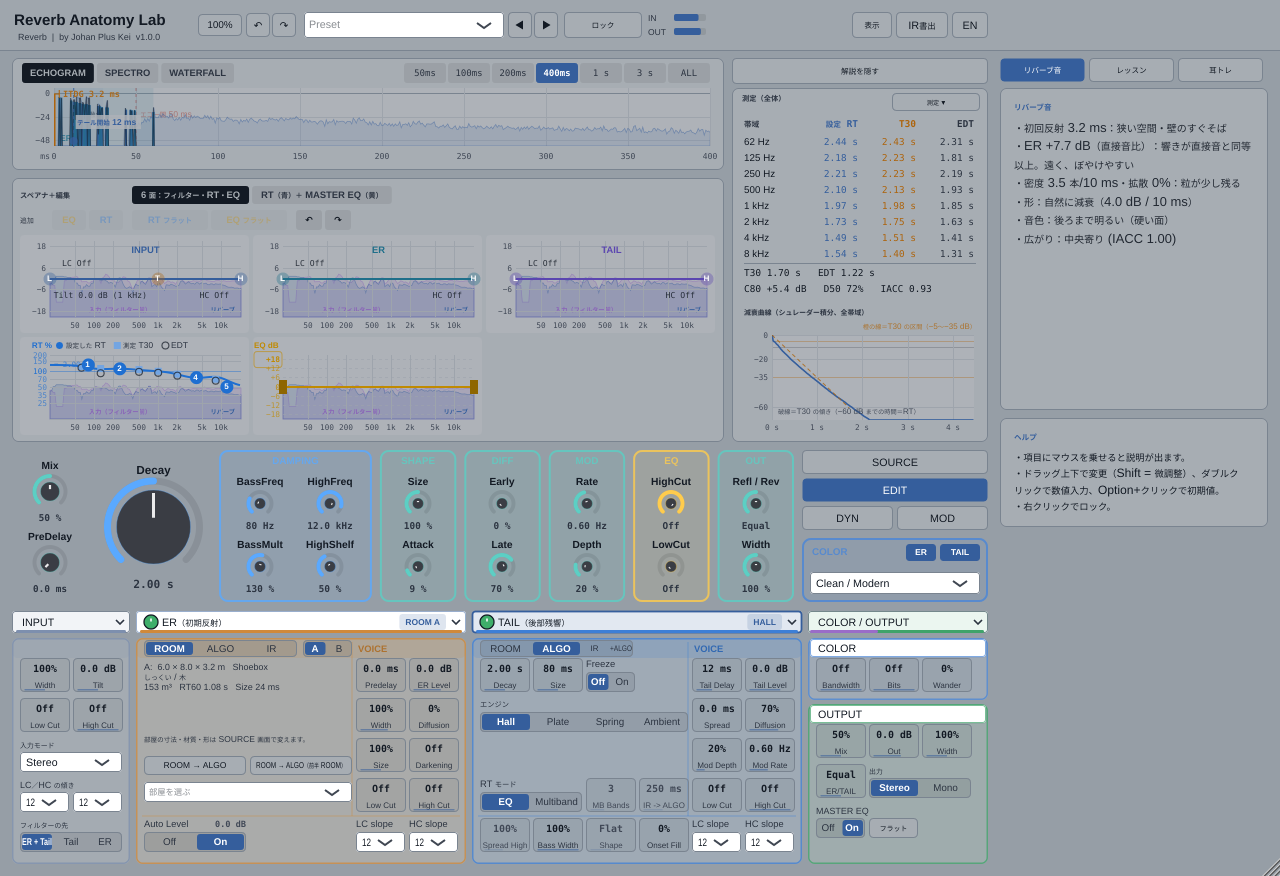
Reverb Anatomy Lab — plug-in
Build a reverb from its two halves and see what each one does. The early reflections and the tail can each come from a room, an impulse response or an algorithm, and the echogram, reverb time per band and measurements show the difference as you change them.
- Rooms of several shapes (fan, skewed walls, dome, coupled rooms, corridor) with materials and clutter; Hall, Plate, Spring and Ambient engines
- Load an IR (left / right pairs are found automatically), fit it to the algorithm, compare, and export
- Ducking, gate, LFOs, chorus, lessons, ear training and presets built in; Japanese and English
VST3 / AU plug-in Free to download
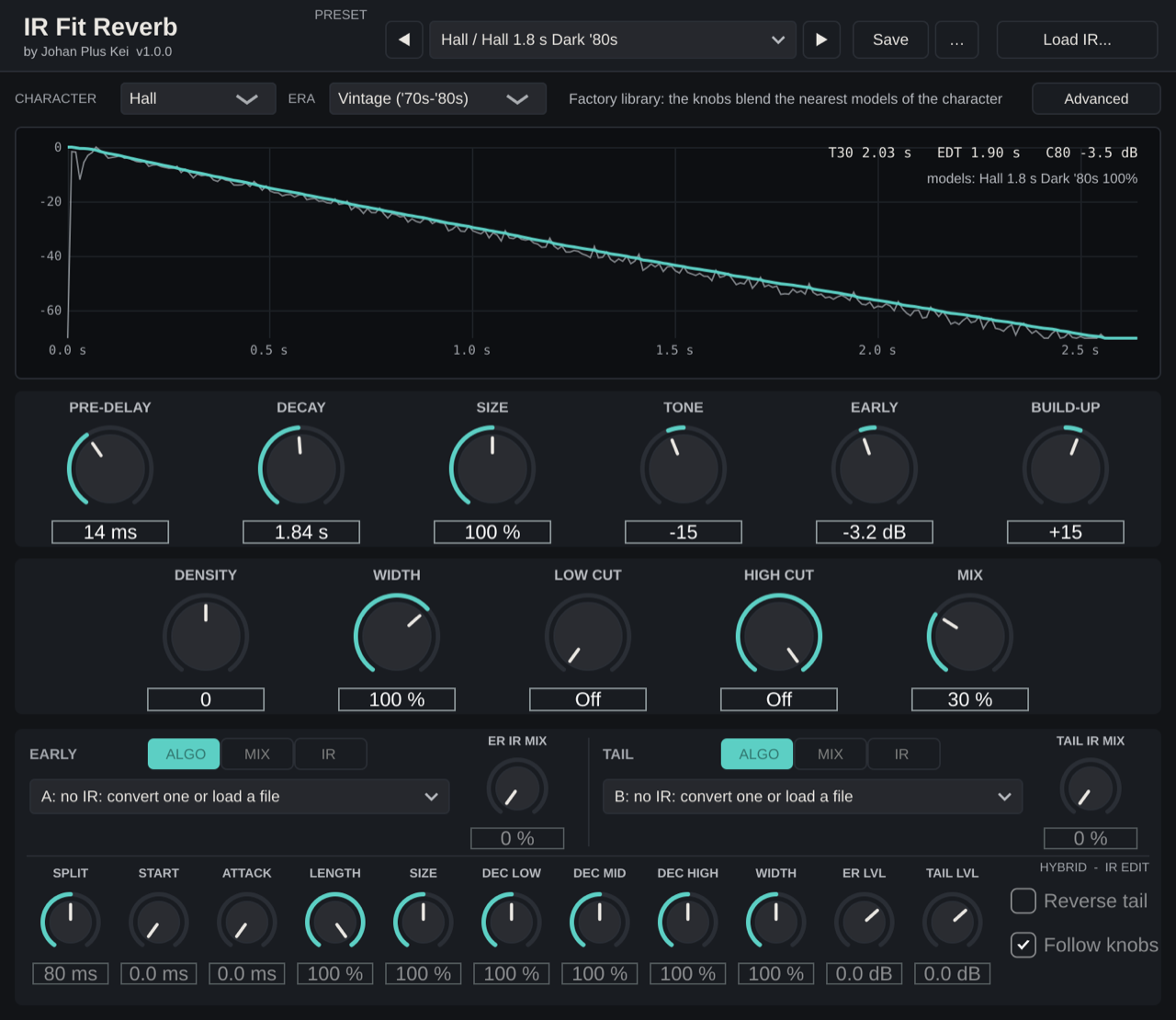
IR Fit Reverb — plug-in
An algorithmic reverb fitted to real impulse responses. 92 built-in models of halls, rooms, chambers, plates and ambiences play with the classic controls (pre-delay, decay, size, tone, early level, build-up), and your own IRs become algorithmic presets you can shape the same way.
- IR to algorithm: early reflections, a 16-line FDN, EQ and width fitted to the IR; whole folders in one go
- Hybrid: play the early part and the tail as the algorithm, the IR itself or a blend, and edit the IR
- The Reverb Anatomy Lab engine: export a fitted sound to the Lab to see how it is built
- macOS 11+ (Apple Silicon / Intel); Windows 10 / 11 builds but is untested on real hardware
VST3 / AU plug-in Free to download
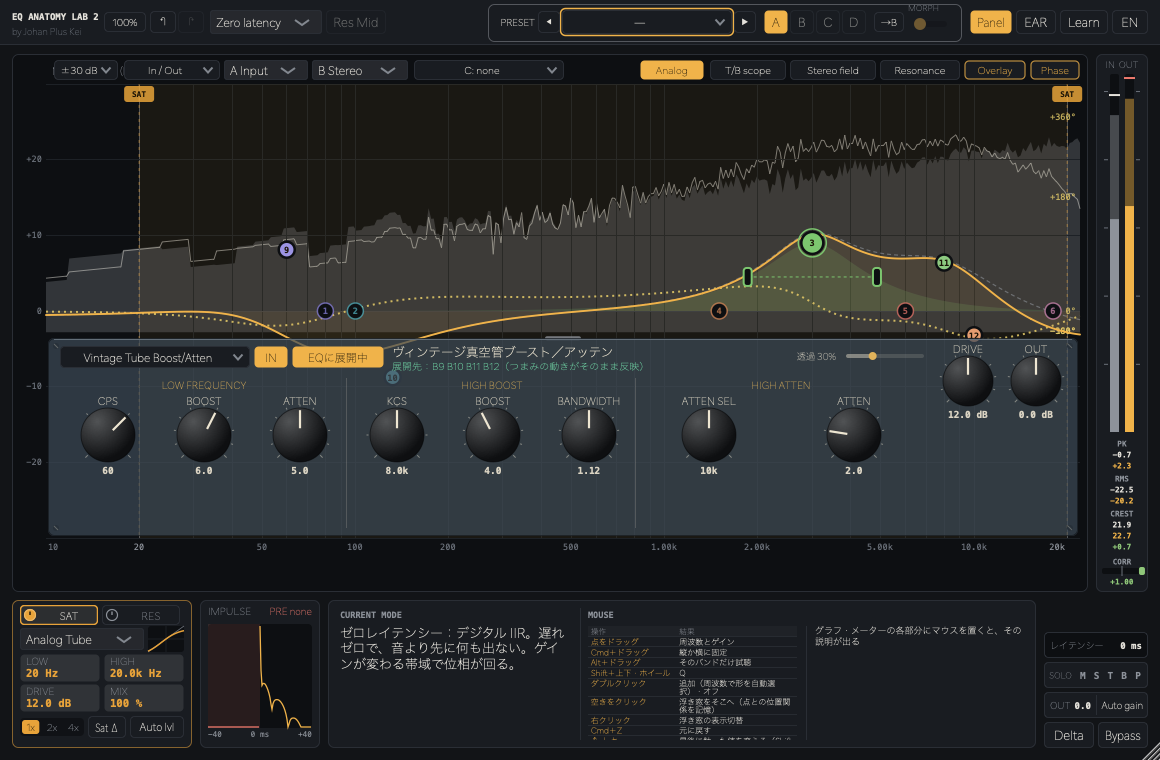
EQ Anatomy Lab 2 1.0 — plug-in
Play with this EQ and you will know which EQ you actually need. Nine analog EQ models with their own panels and circuits, and one button that lays any of them out as ordinary bands, so you can see what a classic EQ is really made of. Plus zero latency, analog and linear phase, dynamic EQ, M/S, transient/body and a resonance suppressor, with every display and meter explained where you point.
- Models based on the Pultec EQP-1A, Neve 1073, SSL 4000, API 550A, Manley Massive Passive, Maag EQ4 and more
- Analog EQ models expand into up to 24 bands you can still drive from the panel
- Reference curve C: drop any audio file to see its average balance
- Presets by use and by analog type, 15 skins
- macOS 11+ (Apple Silicon / Intel); Windows 10 / 11 builds but is untested on real hardware
VST3 / AU plug-in Free beta
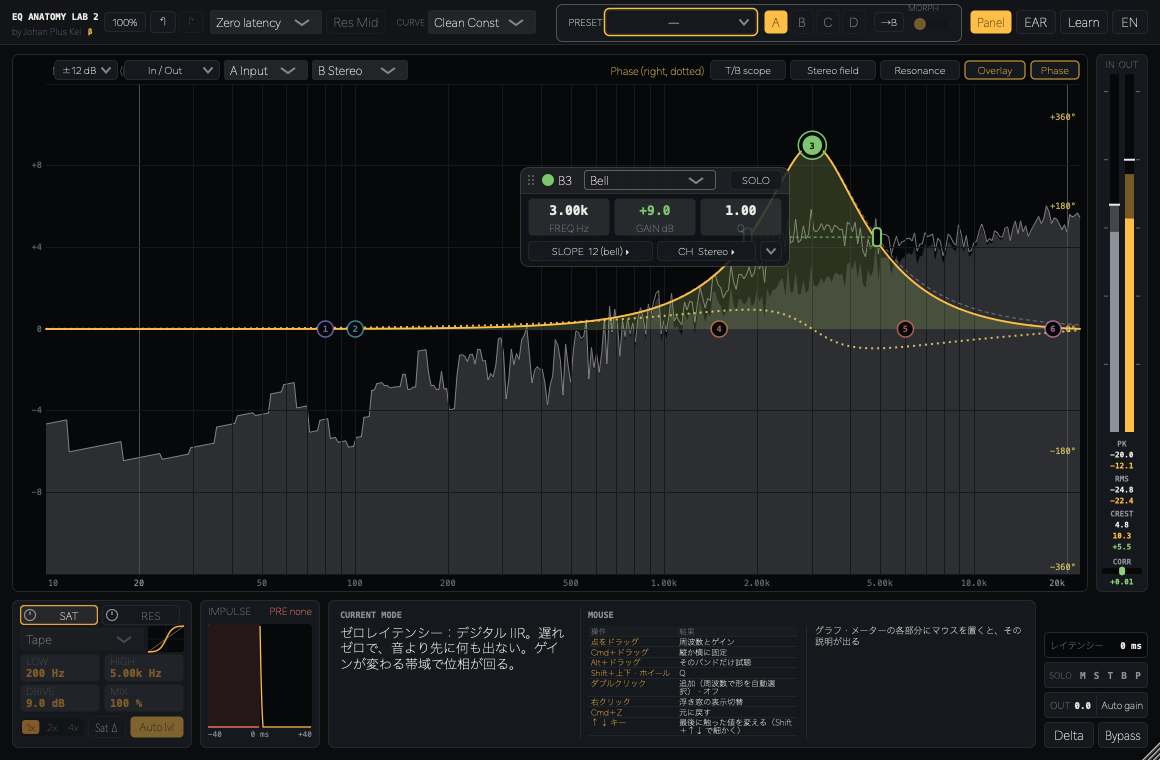
EQ Anatomy Lab 2 β — plug-in (digital EQ edition)
The edition without the analog EQ models, focused on digital EQ: zero latency, analog and linear phase, dynamic EQ, M/S, transient/body and a resonance suppressor in a lighter interface. Installs side by side with 1.0.
- Latest is 0.2.1 (fixes noise in the Tube saturator)
- macOS 11+ (Apple Silicon / Intel); Windows 10 / 11 builds but is untested on real hardware
- Not notarized, so there is a one-time warning (see the download page)
VST3 / AU plug-in Free to download
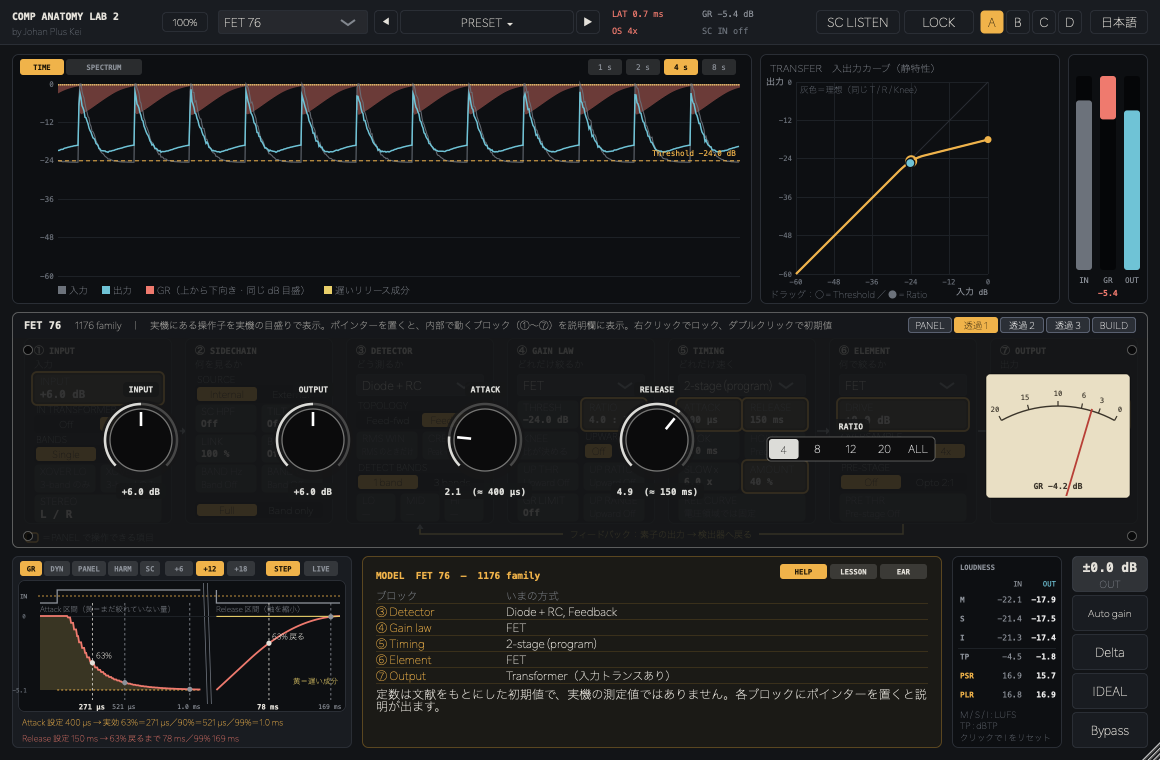
Compressor Anatomy Lab 2 — plug-in
Build a compressor from seven blocks and hear why a FET, an opto, a vari-mu and a VCA sound different. Twenty-one models with hardware-style panels, an IDEAL switch that isolates each unit's character, 26 lessons and ear training.
- Models based on the 1176, LA-2A, Fairchild 670, SSL bus compressor, dbx 160, API 2500, Distressor, Neve 2254 and more
- Gain reduction, spectrum, harmonics, sidechain filter and loudness (LUFS, true peak, PSR / PLR) on screen
- Limiter, clipper, spectral, upward, OTT and gain riding for comparison
- macOS 11+ (Apple Silicon / Intel); Windows 10 / 11 builds but is untested on real hardware
VST3 / AU plug-in Free to download
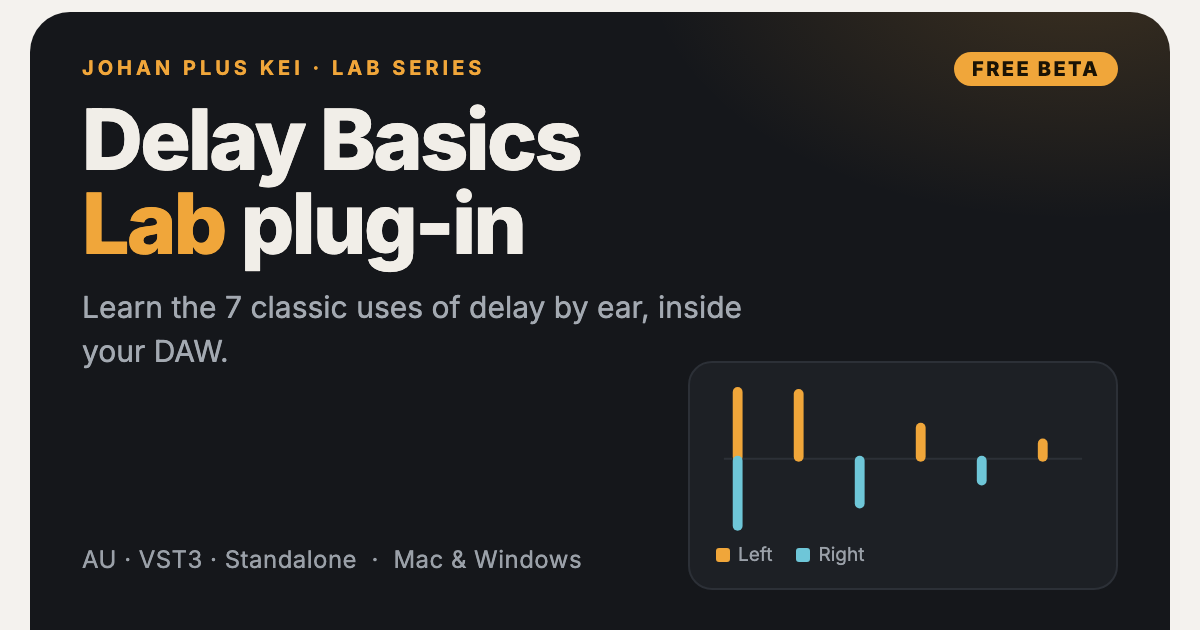
Delay Basics Lab — plug-in
The Delay Basics Lab as a VST3 / AU plug-in for your DAW: the same seven presets, echo timeline and lessons, in Japanese and English.
- macOS 11+ (Apple Silicon / Intel): manual zip or .pkg installer
- Windows 10 / 11: builds, but not yet tested on a real machine
- Not notarized, so there is a one-time warning (see the download page)
VST3 / AU plug-in Free to download
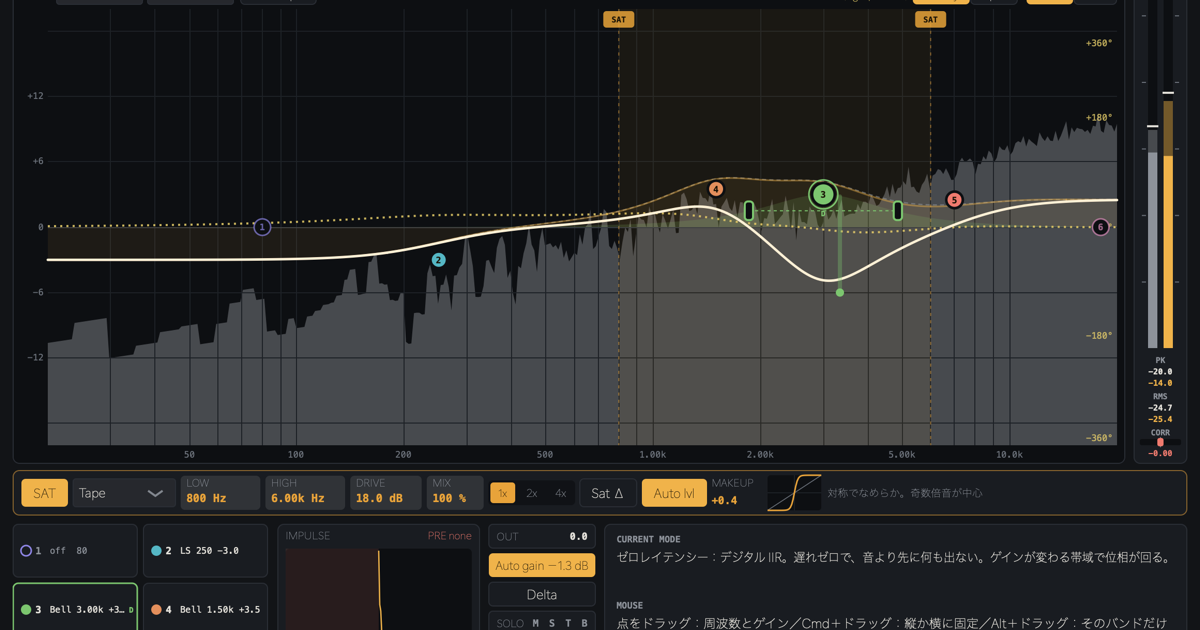
EQ Anatomy Lab — plug-in (previous)
The first EQ plug-in, superseded by EQ Anatomy Lab 2 but still available. An EQ you can see and hear. Watch the phase move, audition the pre-ringing, solo Mid or Side, and split transients from body, with 22 hands-on lessons and an ear-training game built in.
- 6 bands, all dynamic-capable, with a per-band saturator and delta listening
- macOS 11+ (Apple Silicon / Intel); Windows 10 / 11 builds but is untested on real hardware
- Not notarized, so there is a one-time warning (see the download page)
Study notes
The remakes — see, read and hear
The labs remade to work better in class and on a phone: on desktop the graphs, controls and notes fit on one screen; on a phone they read as a scrolling notebook. The DSP and features are the same as each lab.
Dynamics · Study note New
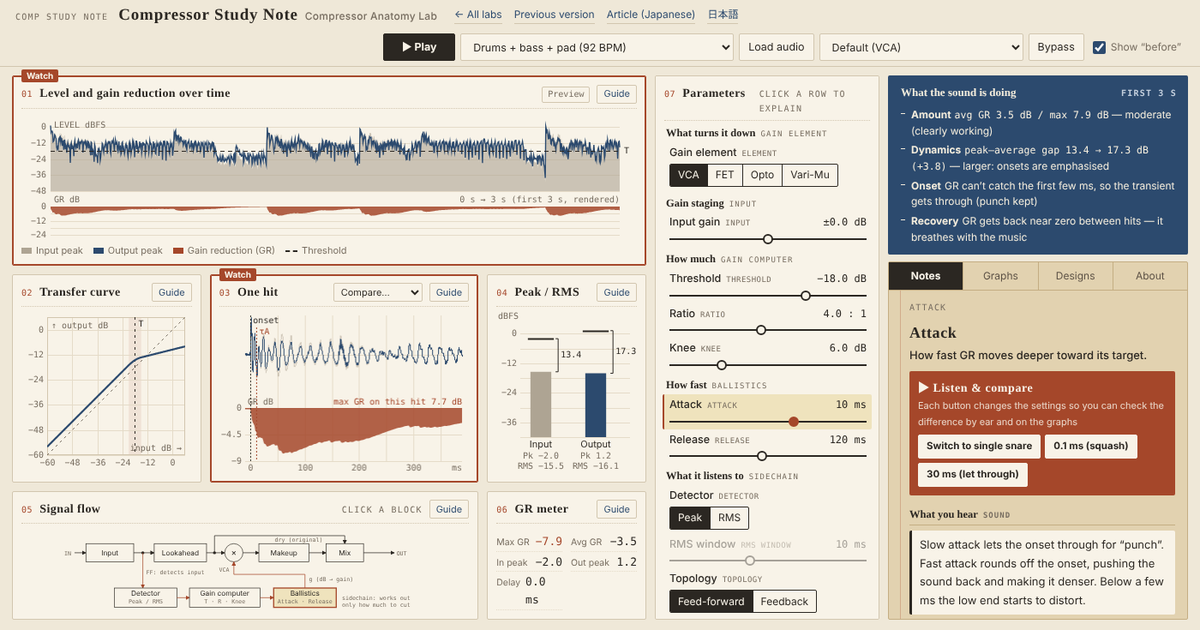
Compressor Study Note
Move a control and six graphs move together with a plain-language reading of what the sound is doing — readable even with the sound off.
- Single-hit zoom, peak vs average and dashed “before” overlays
- Overlay VCA, FET, opto and vari-mu, FF/FB or Peak/RMS
Saturation · Study note New
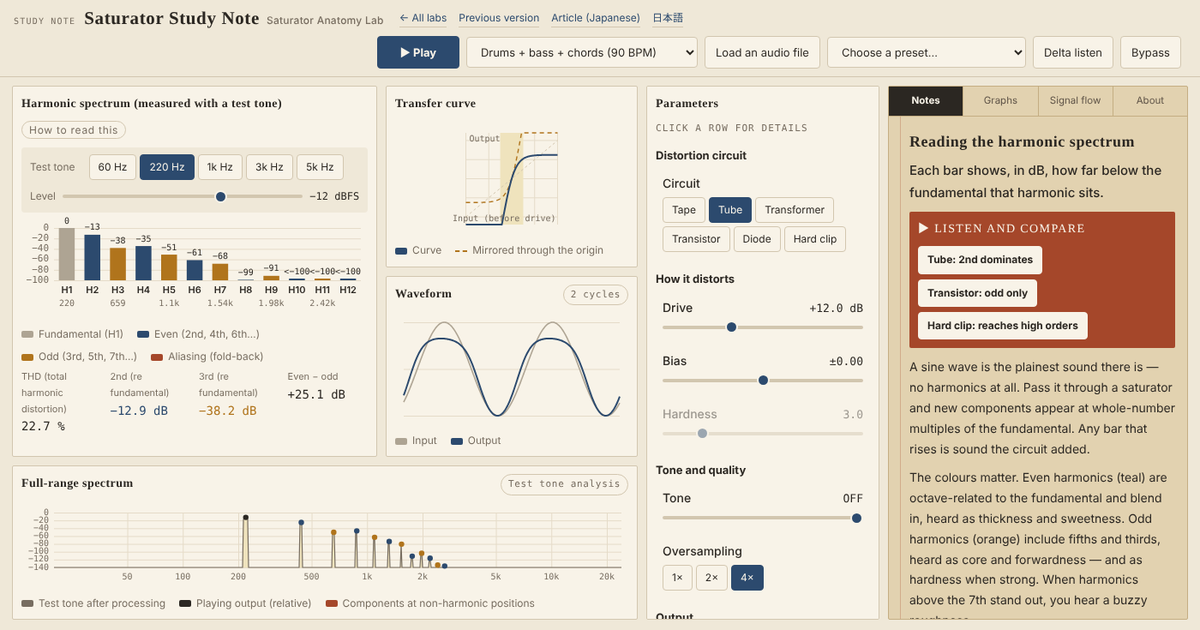
Saturator Study Note
Harmonic bars, transfer curve, waveform and full-range spectrum on one screen — compare six circuits by their harmonics.
- Even / odd harmonics and aliasing in colour
- Delta listening and oversampling comparison
EQ · Phase · Study note New
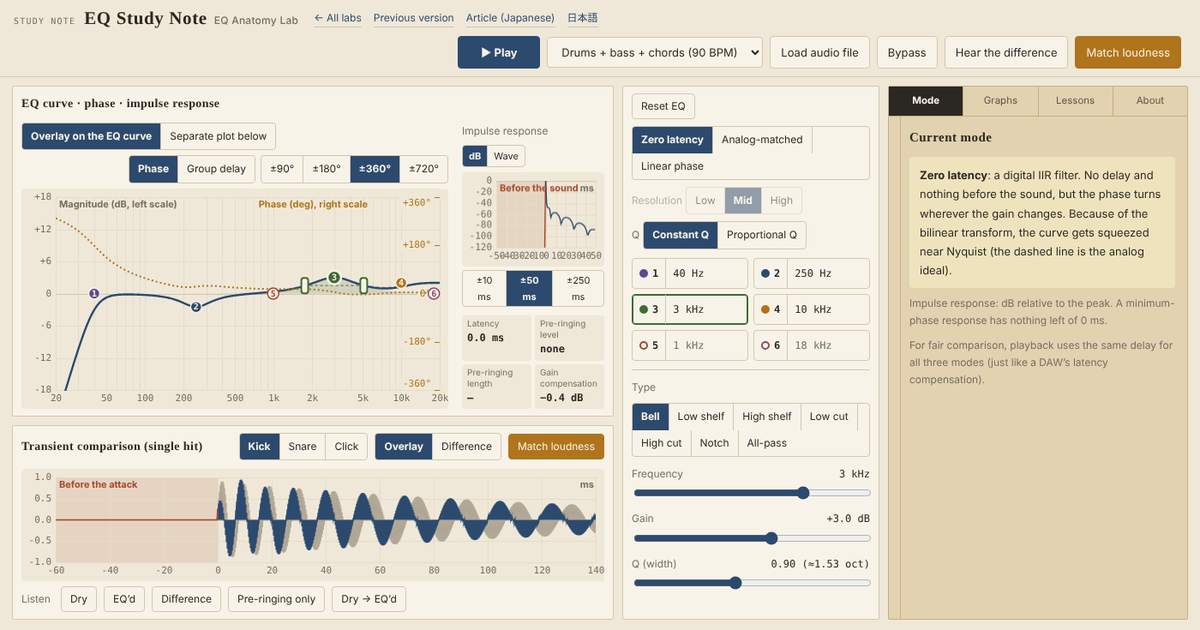
EQ Study Note
EQ curve, phase, impulse response and a single hit side by side, to compare three ways of building the same curve.
- Band controls gathered in one column
- Lessons and ear training in the notes tabs
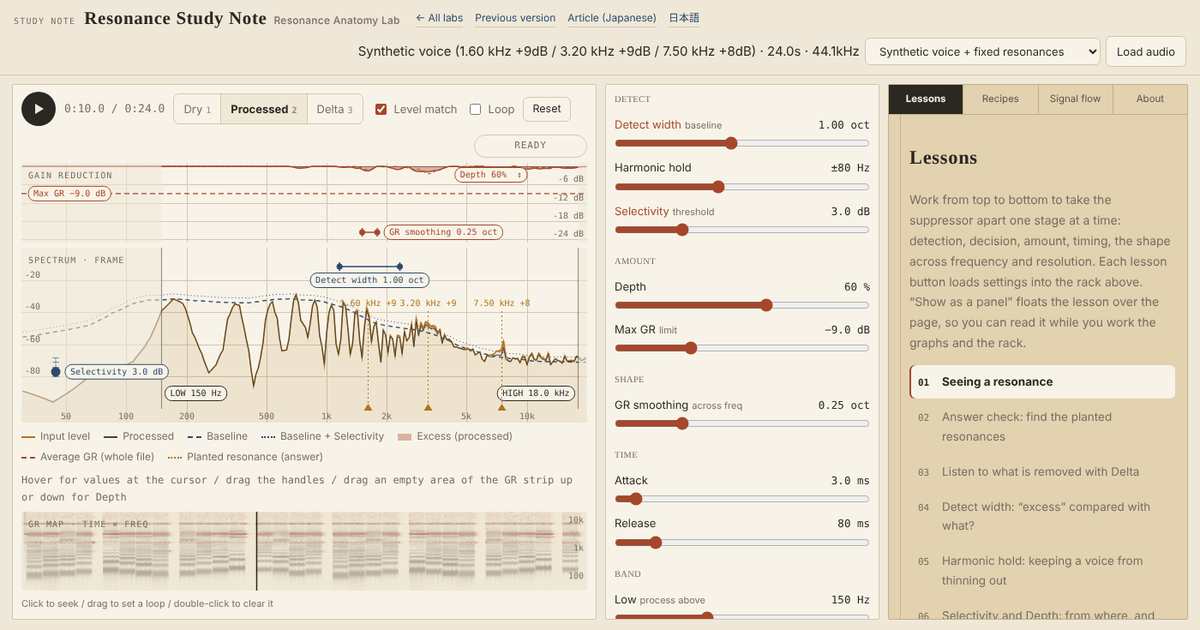
Spectral dynamics · Study note New
Resonance Study Note
Gain reduction, spectrum and GR map stacked, with the rack beside them and the lessons alongside.
- Ten lessons and 13 recipes in tabs
- Delta listen to hear only what is removed
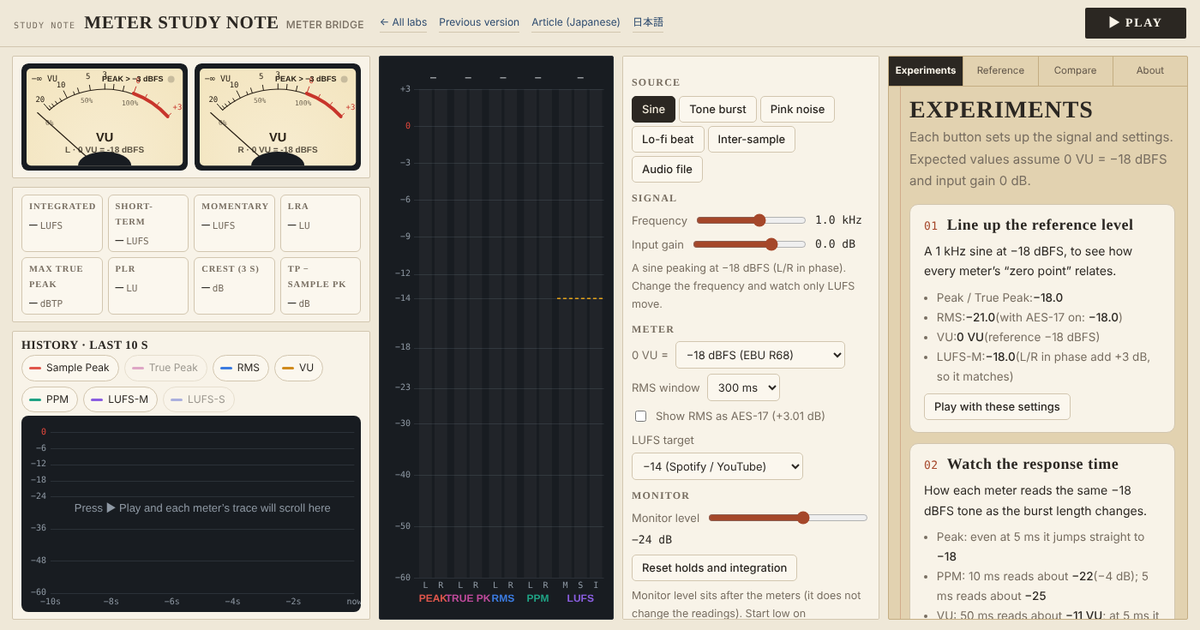
Metering · Study note New
Meter Study Note
VU, bar meters, loudness readings and a 10-second history on one screen, with the guided experiments beside them.
- Experiments, reference and comparison table in tabs
- Analog-style VU needles kept
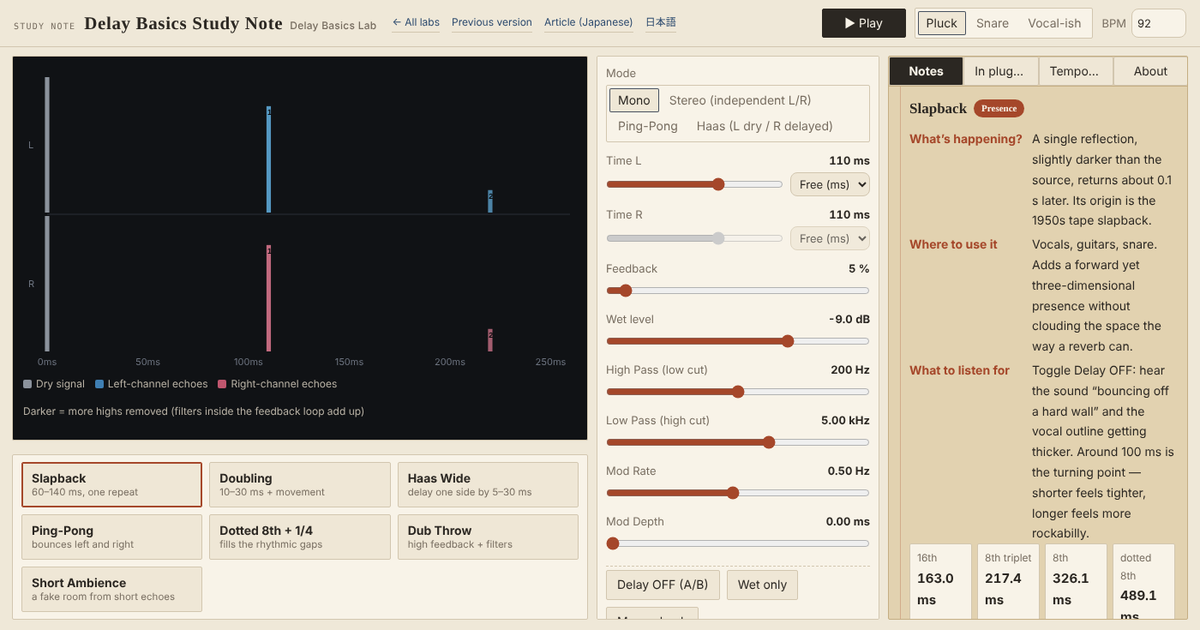
Delay · Basics · Study note New
Delay Basics Study Note
Echo timeline and seven classic uses side by side; each preset brings up its notes, plug-in settings and a tempo chart.
- Slapback, doubling, Haas, ping-pong and more
- Mono check, wet-only and delay-off A/B
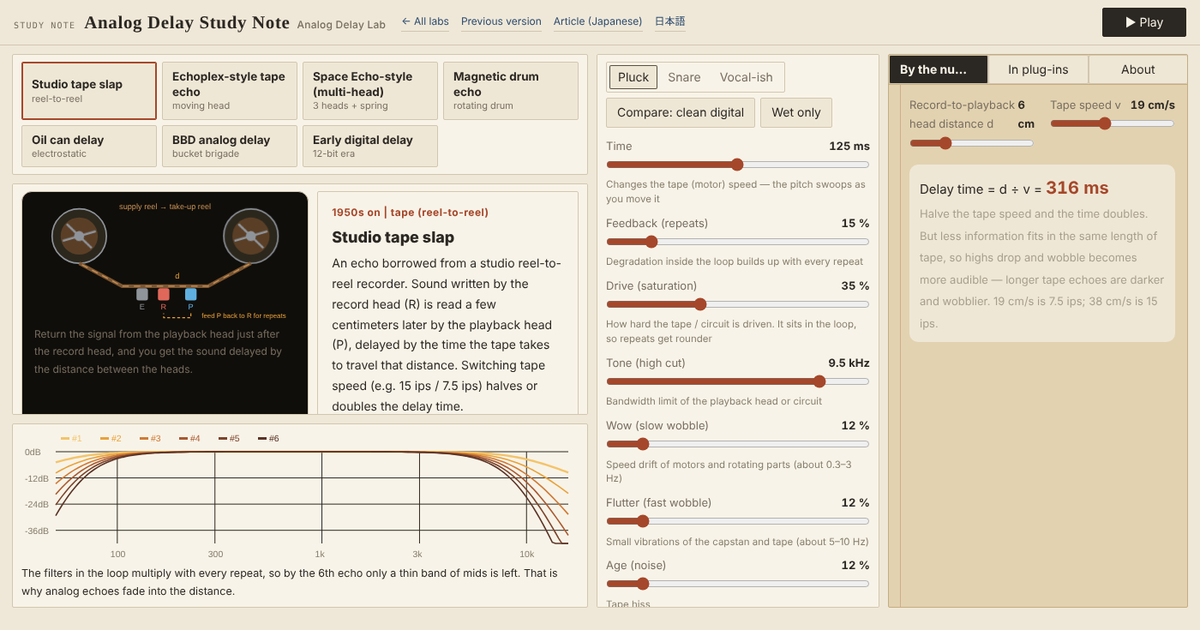
Delay · Machines · Study note New
Analog Delay Study Note
Diagrams of tape, drum, oil can, BBD and early digital delays with the frequency response of every repeat on one screen.
- Tape-speed and BBD-clock calculators
- How to get close with plug-ins

Reverb · Early reflections · Study note New
Early Reflection Study Note
Only the early reflections of a reverb: room plan, echogram, frequency response and readings, heard and seen.
- Image-source room model and single-reflection experiments
- Nine lessons and an ear-training quiz
The original labs
The first browser versions
The first browser versions of the labs. They stay at the same addresses after the remakes.
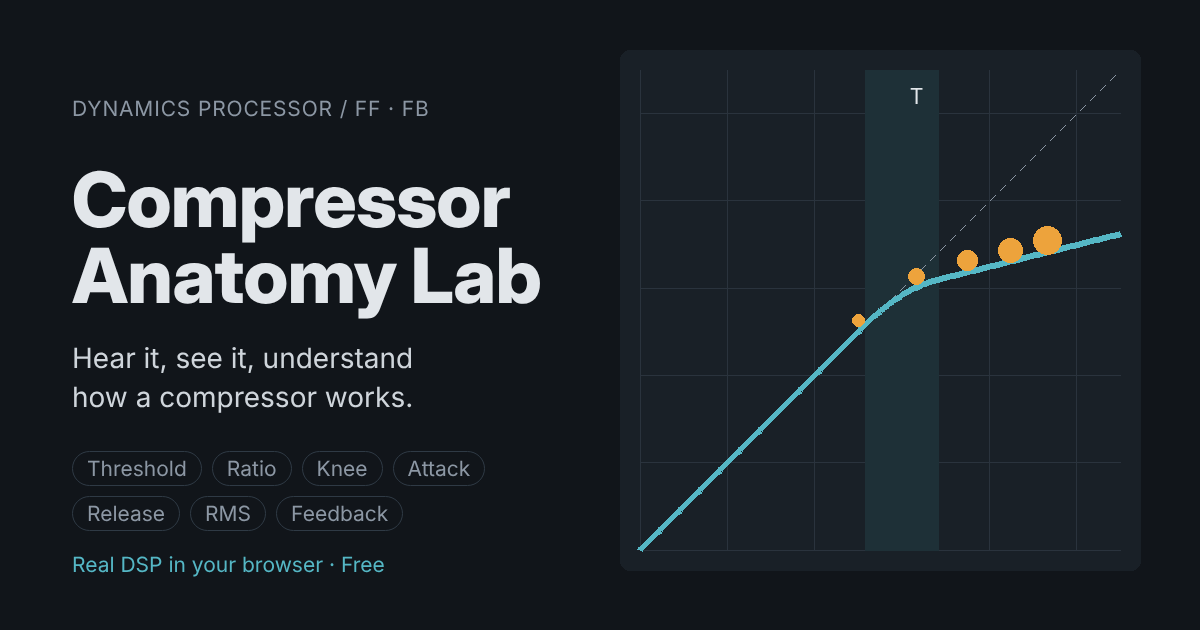
Dynamics
Compressor Anatomy Lab
Threshold, ratio, knee, attack, release, peak vs RMS detection, feed-forward vs feedback — each one taken apart and explained.
- Gain-reduction timeline and live transfer curve
- Clickable signal-flow diagram
- Presets from vocal to NY parallel
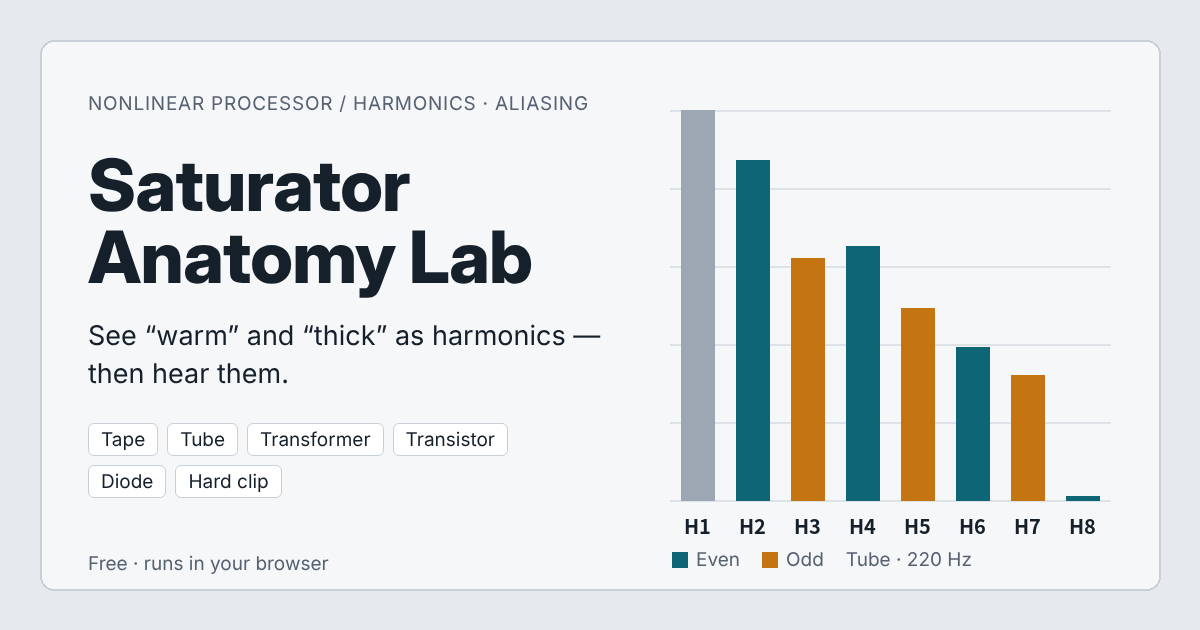
Saturation
Saturator Anatomy Lab
What do “warm” and “thick” actually mean? Six circuits — tape, tube, transformer, transistor, diode, hard clip — shown as harmonics.
- Even / odd harmonic bars from a test tone
- Aliasing you can see, and oversampling that fixes it
- Delta listen: hear only what the circuit adds
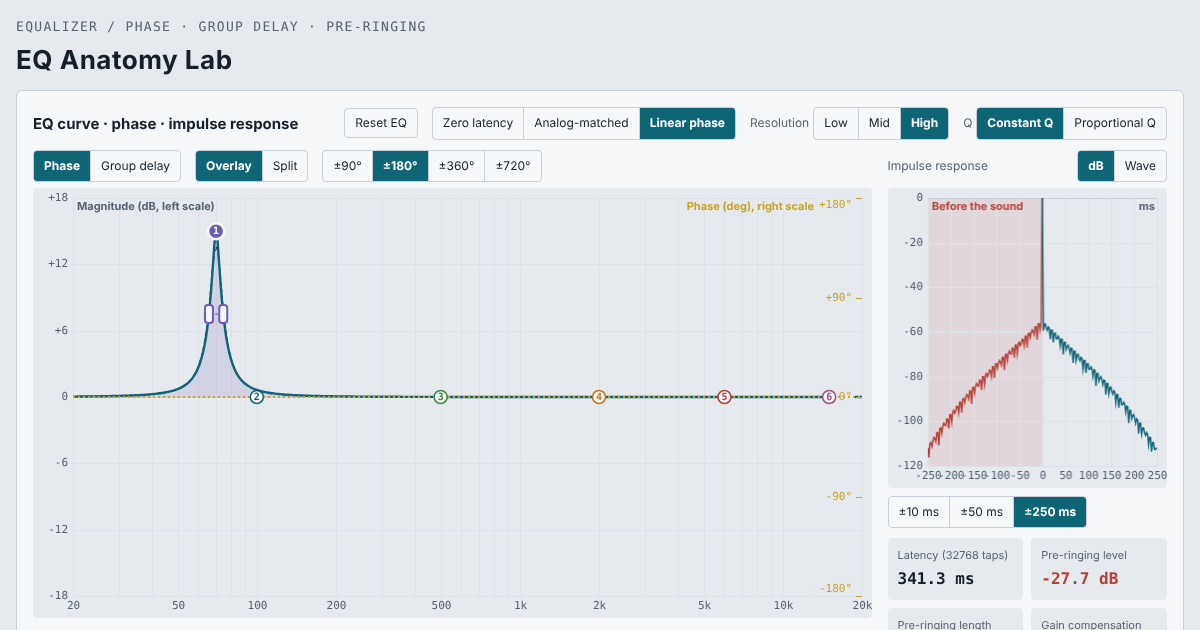
EQ · Phase
EQ Anatomy Lab
One EQ curve, three ways to build it — zero latency, analog-matched and linear phase — and what each does to phase, timing and transients.
- Phase and group delay overlaid on the EQ curve
- Impulse response with pre-ringing marked in red
- Hear the pre-ringing alone on a kick, plus all-pass and Pultec-style moves
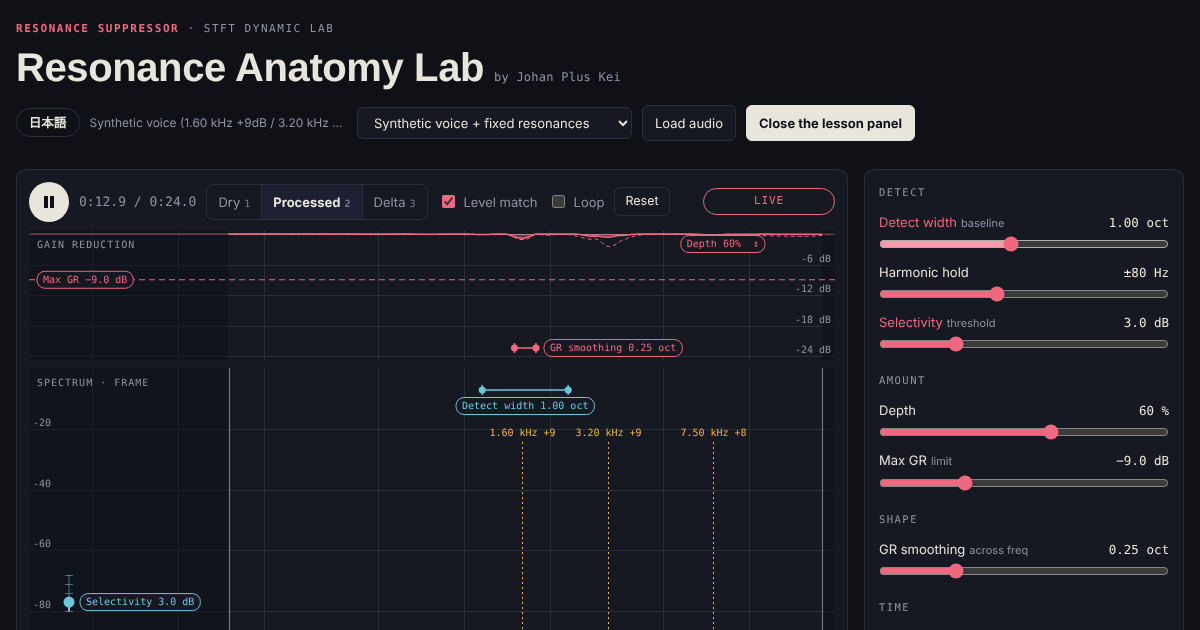
Spectral dynamics
Resonance Anatomy Lab
What a resonance suppressor like soothe detects, where it cuts, how much and how fast — with test signals that carry planted resonances you can check against.
- Drag Selectivity, Depth, width and smoothing right on the graphs
- Delta listen: hear only what is removed
- Ten lessons in a floating panel and 13 practical recipes
Metering
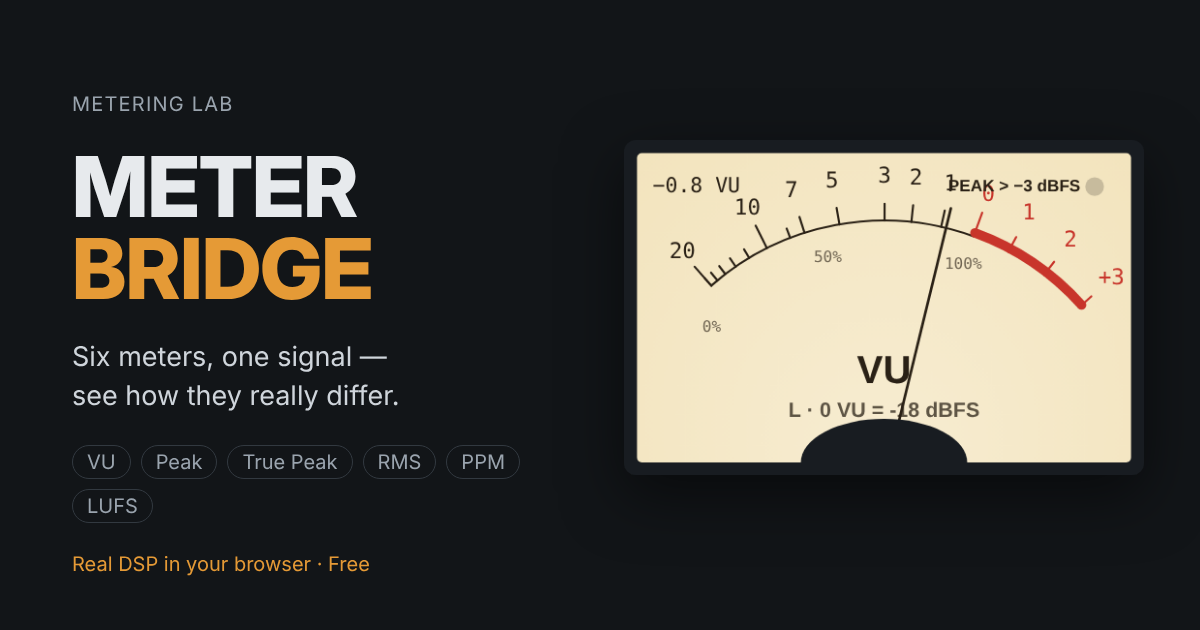
Meter Bridge
One signal, six meters — VU, Peak, True Peak, RMS, PPM and LUFS side by side, so you can see why the same “−18” means different things.
- Live VU needles, bar meters and a 10-second history
- Seven guided experiments with expected readings
- Integrated, LRA, PLR and inter-sample peaks
Delay · Basics
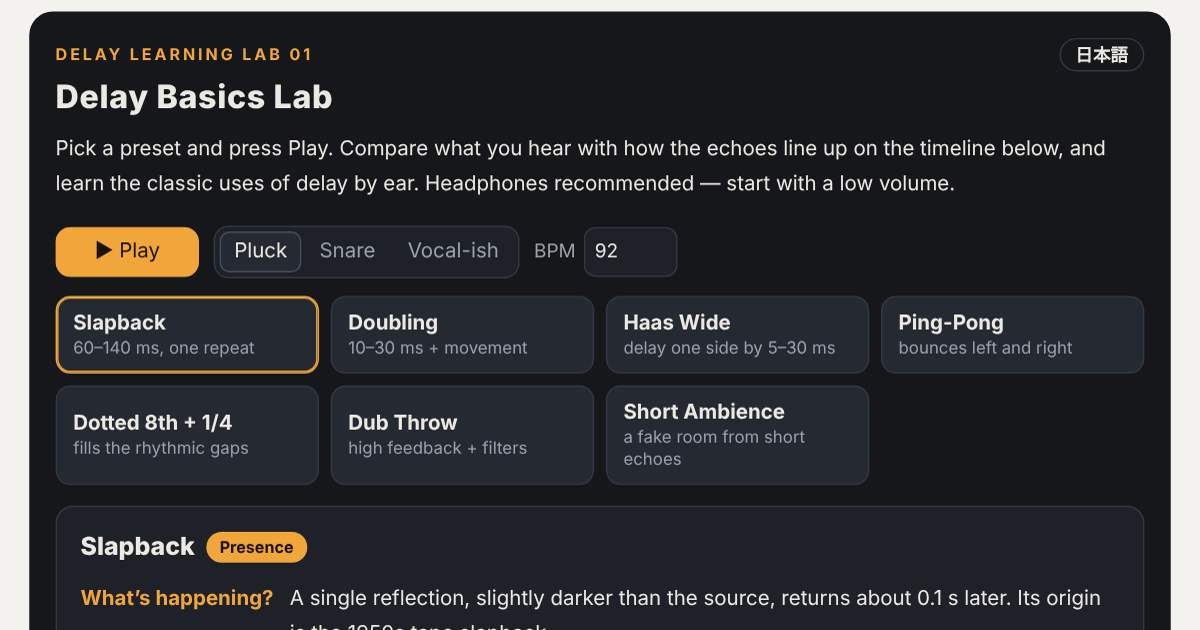
Delay Basics Lab
Slapback, doubling, Haas, ping-pong, dotted eighths, dub throws and short ambience — seven classic uses, heard and seen.
- Echo timeline with beat grid and per-repeat filtering
- Mono check, wet-only and delay-off A/B
- Matching settings for Ableton Echo, Valhalla Delay and EchoBoy
Reverb · Early reflections
Early Reflection Lab
Only the early reflections of a reverb — image-source room model, single reflections, echogram and frequency response.
- Drag the source and listener to see each reflection path
- Nine lessons and an ear-training quiz
Delay · Machines
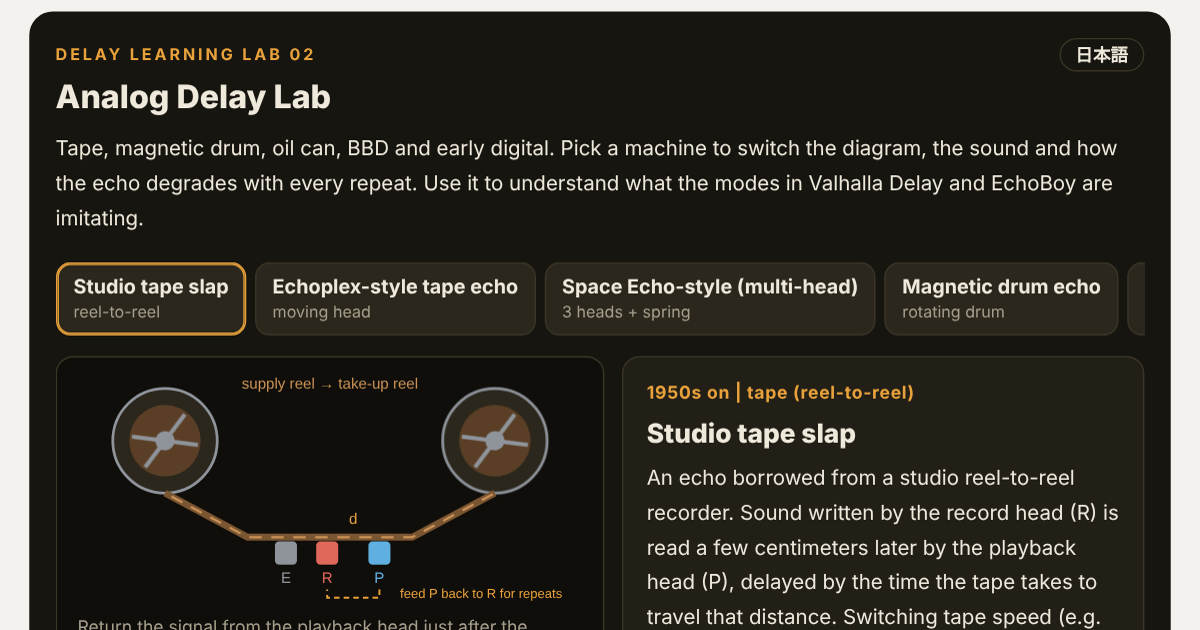
Analog Delay Lab
How tape slap, Echoplex, Space Echo, magnetic drum, oil can, BBD and early digital delays actually worked — and why they sound the way they do.
- Animated diagrams of each mechanism
- Frequency response of every repeat
- Calculators: tape speed, BBD clock, memory and bit depth
Utilities
Songcraft Lab composition series
A composition practice series: build melody, chords, bass and drums step by step and take them into your DAW as MIDI. Song data carries over between the apps. (Japanese only)
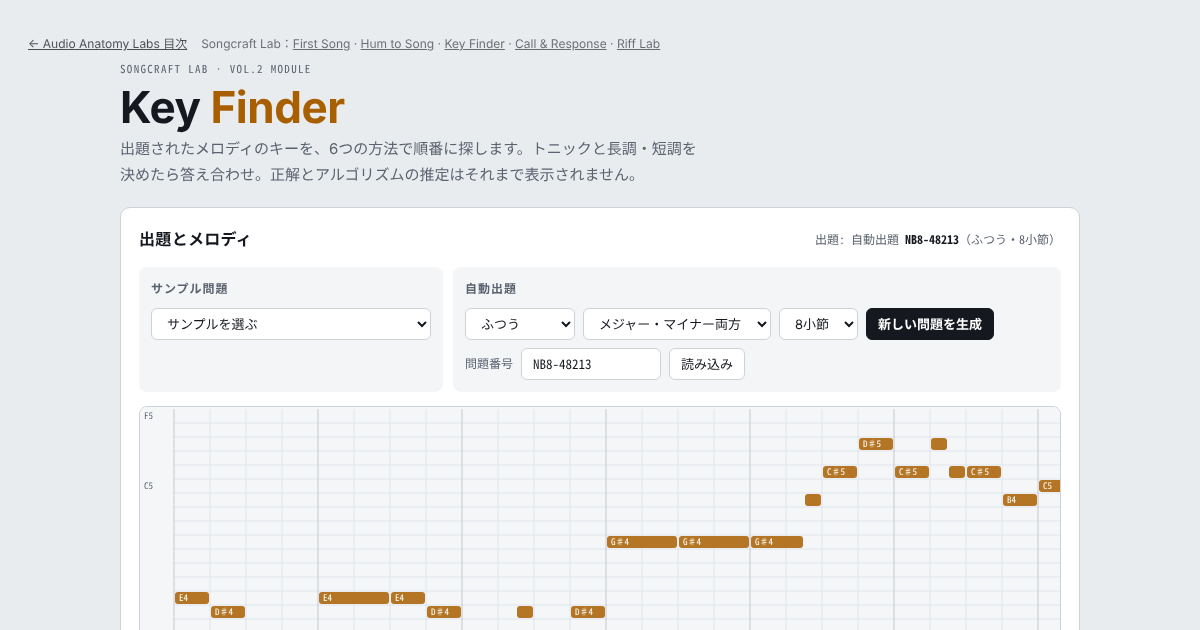 No.0Key FinderFind the key of a melody, step by step, six ways.
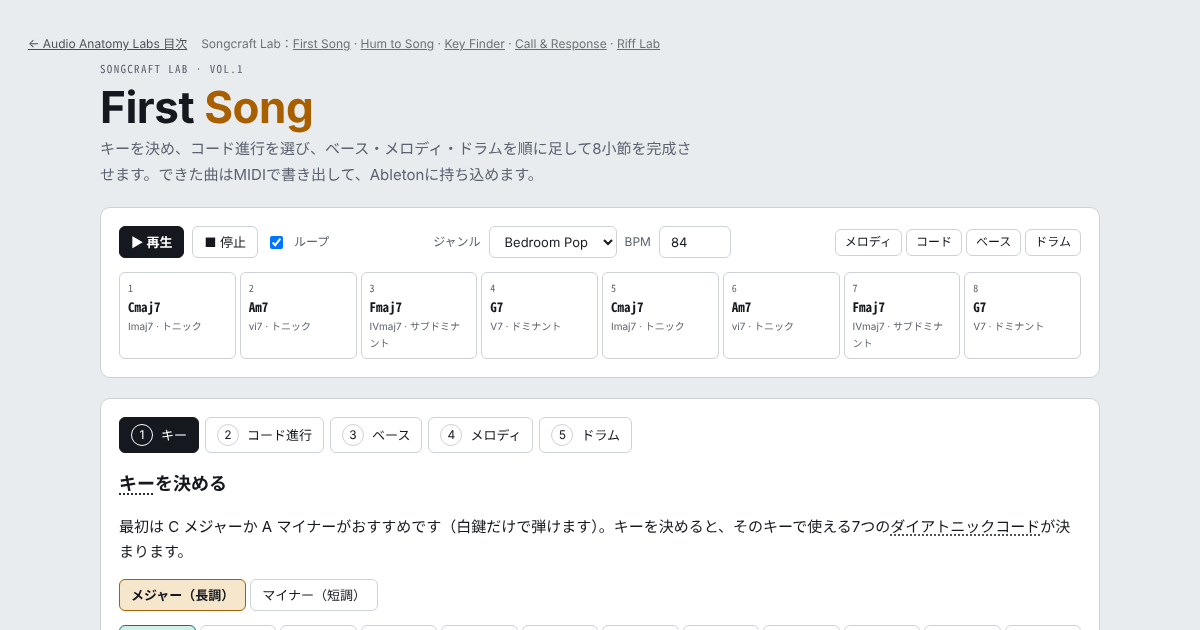 Vol.1First SongPick a key and progression, add bass, melody and drums for 8 bars; export MIDI.
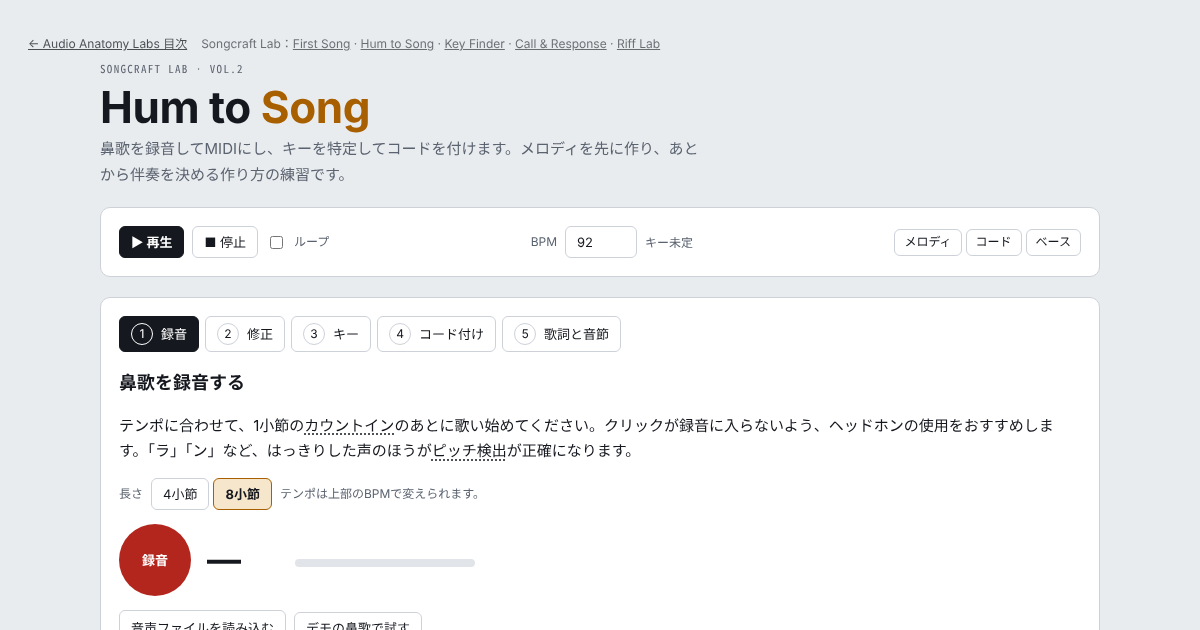 Vol.2Hum to SongRecord a hummed melody, turn it into MIDI, find the key and add chords.
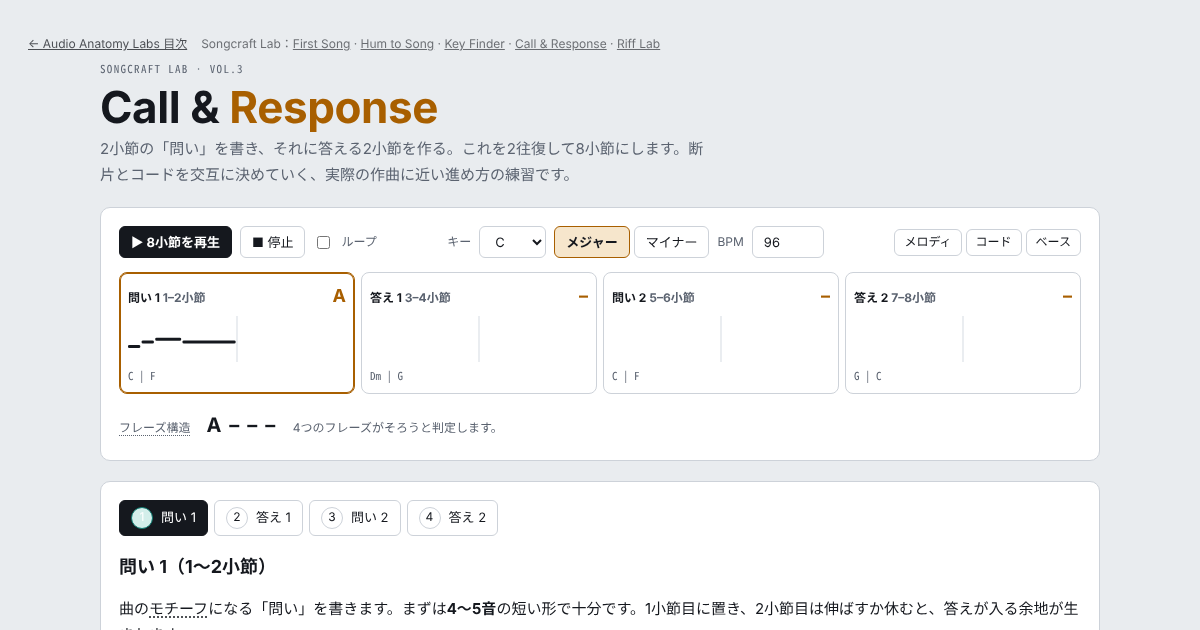 Vol.3Call & ResponseWrite a 2-bar call and its answer, twice, for 8 bars.
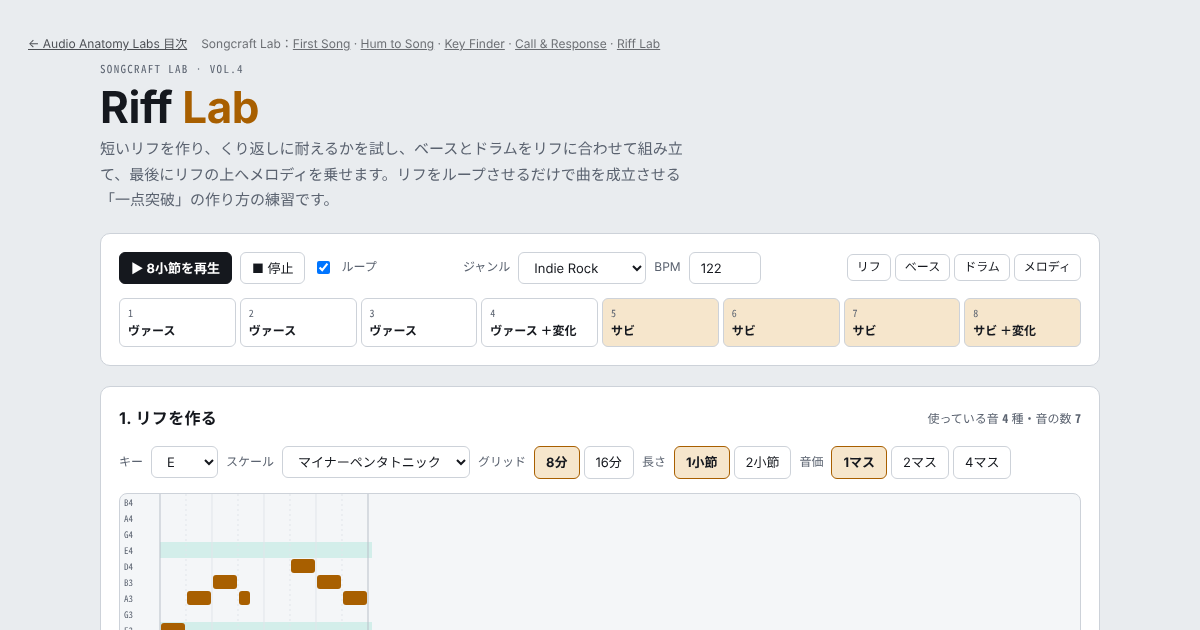 Vol.4Riff LabBuild a riff, test it on loop, fit bass and drums, then add a melody.
Afterword
Music, follow and support
Johan Plus Kei
Thank you for reading this far. These labs are made by Johan Plus Kei (Kazufumi), a producer of dream pop, indie pop and post-rock in Japan. New labs and new music are announced on X and Instagram.
Follow
Support the work
Everything stays free, with no ads and no sign-up. If the labs help you, a one-time tip of any amount keeps them going (PayPal, cards accepted).